
witch task
gamified task management
Role
Tools
Members
Timeline
PROBLEM
Without personalization, most productivity apps unintentionally discourage consistency and fail to create meaningful user engagement.

OUR SOLUTION
RESEARCH
01. literature review
To better understand how gamification influences motivation and productivity, we reviewed prior studies on task management, timeboxing, and game design frameworks.
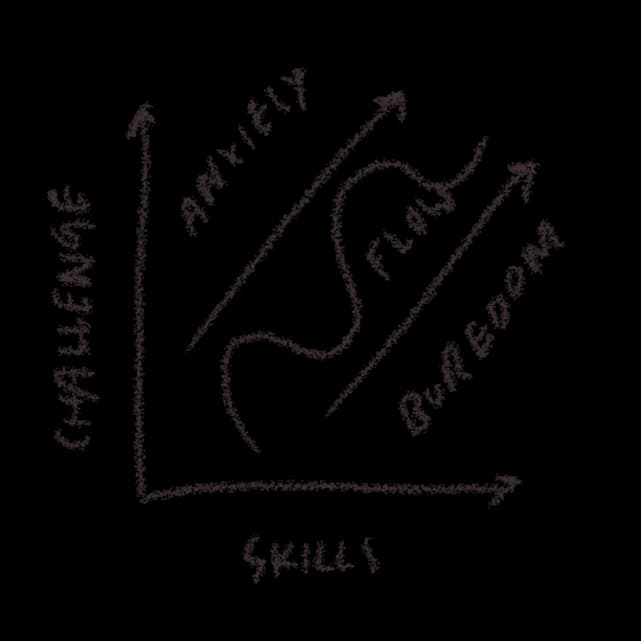
02. competitive analysis
We researched existing productivity apps and tried to find any gaps or opportunities to make them better.
03. interviews
We conducted interviews among several college students to ask about how they work and carry out their tasks:
- what types of tasks they prioritize
- when they decide to take breaks
- what motivates them to work
- what distracts them from work
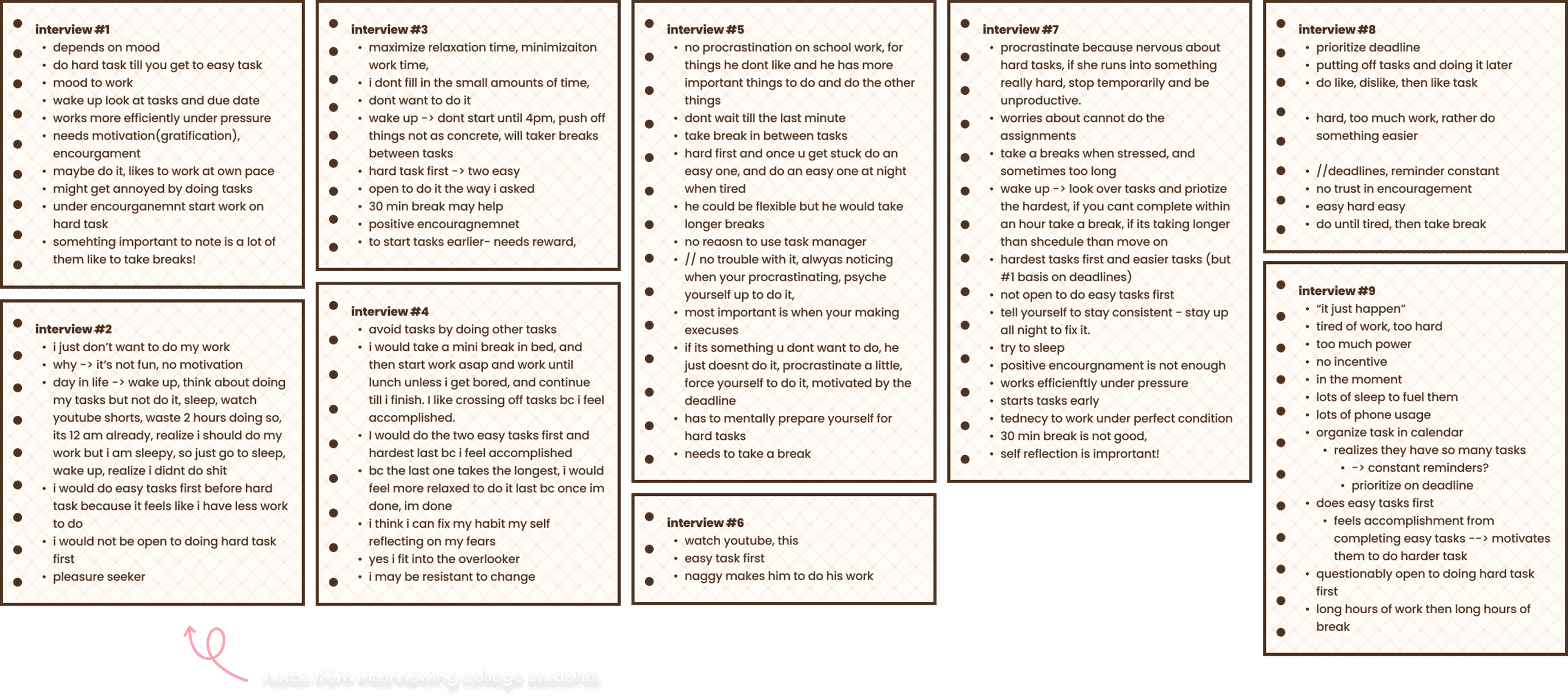
From these responses, we observed overall trends and organized these thoughts into different types of work types.
01. prioritization
02. break patterns
03. motivation
04. barriers
RESEARCH FINDINGS
gamification & identity
Gamification boosts engagement when connected to identity/emotion.
→ Use story-driven gamification rather than points or badges alone.
adaptive work styles
Users have vastly different work styles.
→ Build an adaptive task system that adjusts prioritization and break patterns according to the user.
flexible, supportive
Users feel guilty or demotivated when they can't keep up with rigid systems.
→ Design a flexible, emotionally supportive experience that adapts to each user's pace and mood.
KEY INSIGHT
Most importantly, there is no one-size-fits-all solution! Everyone has different working styles and needs.
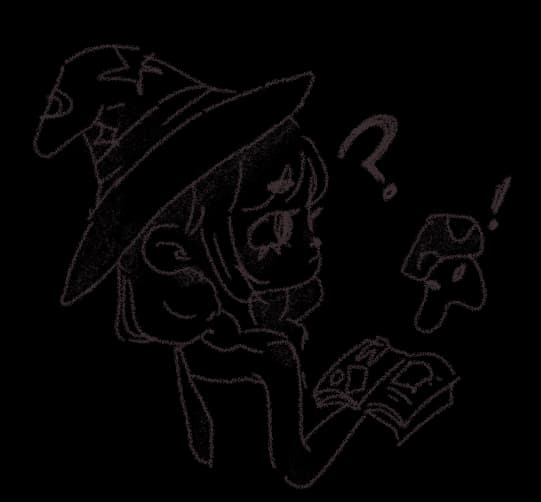
How might we meet the needs of people who have different working styles and means of motivation?
How might we encourage people to start on their tasks in the first place?
USER PERSONA
Frustrations
- Rigid apps make her feel like a failure if she misses a task
- Easily distracted by her phone
- Gamified apps often feel generic or unengaging
Goals
- Have an organized schedule of what tasks to complete
- Stay motivated even on low-energy days
- Enjoy a task management system that feels playful and personal
BRAINSTORMING & IDEATION
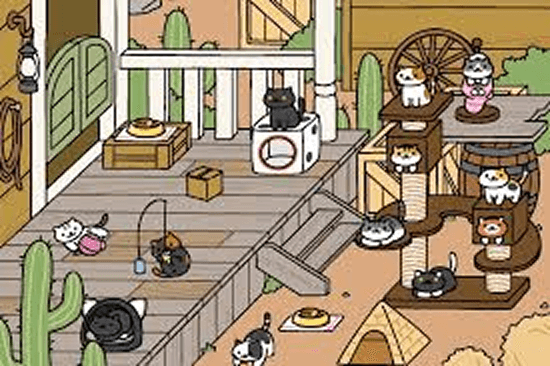
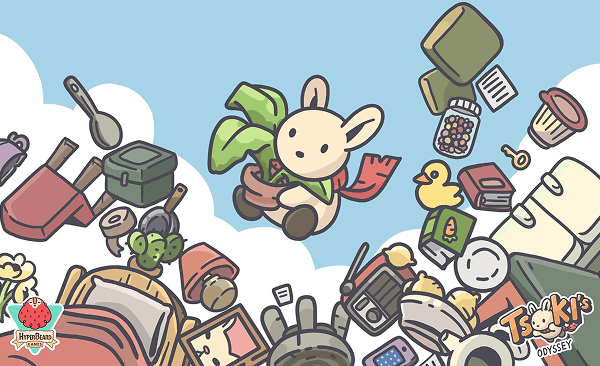
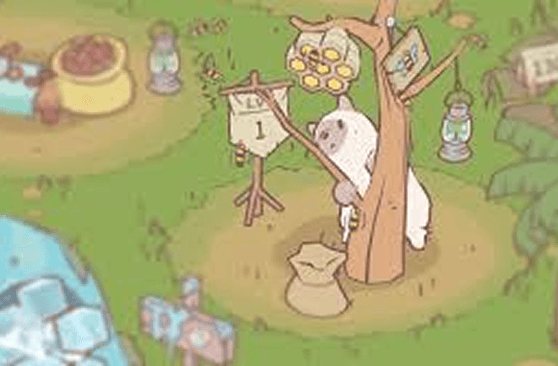
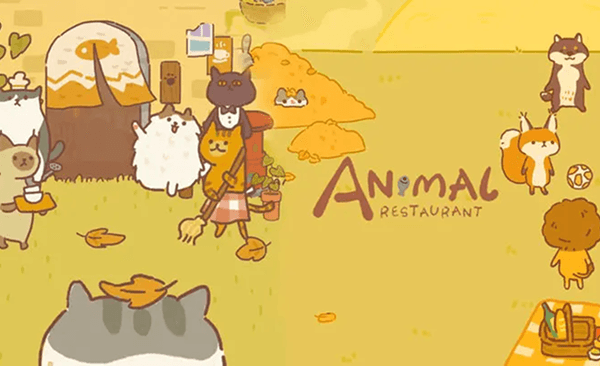
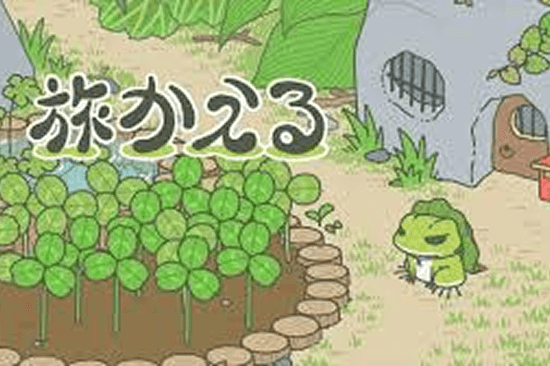
“Cozy gaming” provides a relaxing, low-pressure escape from real-world stress.
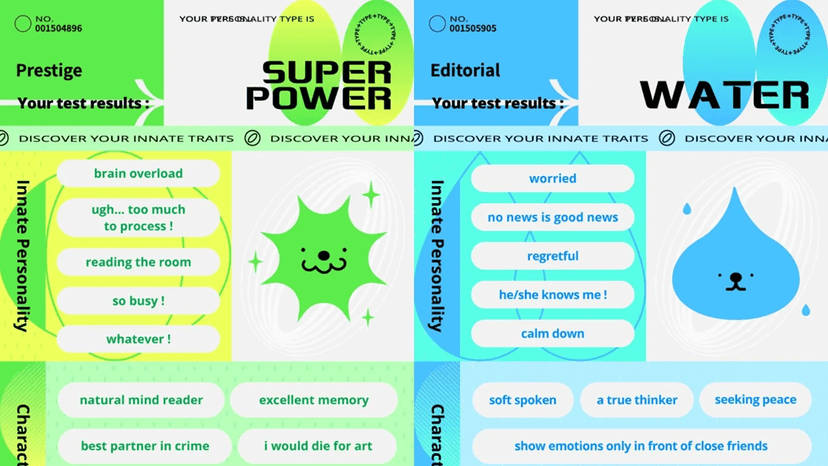
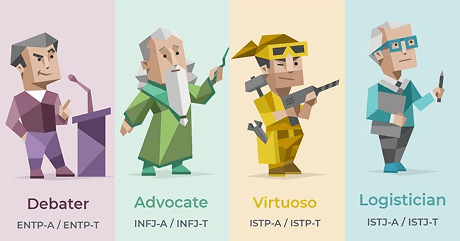
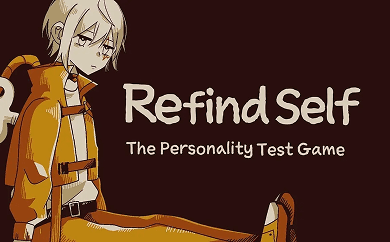
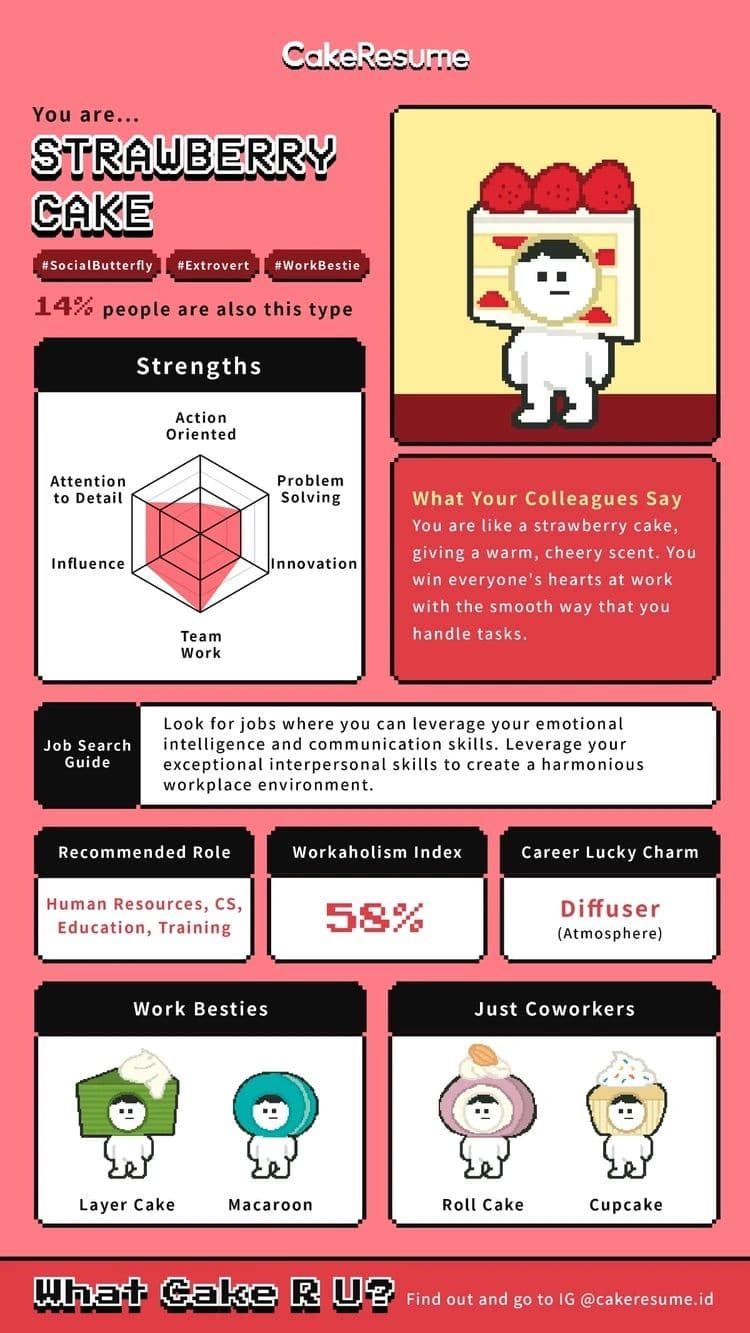
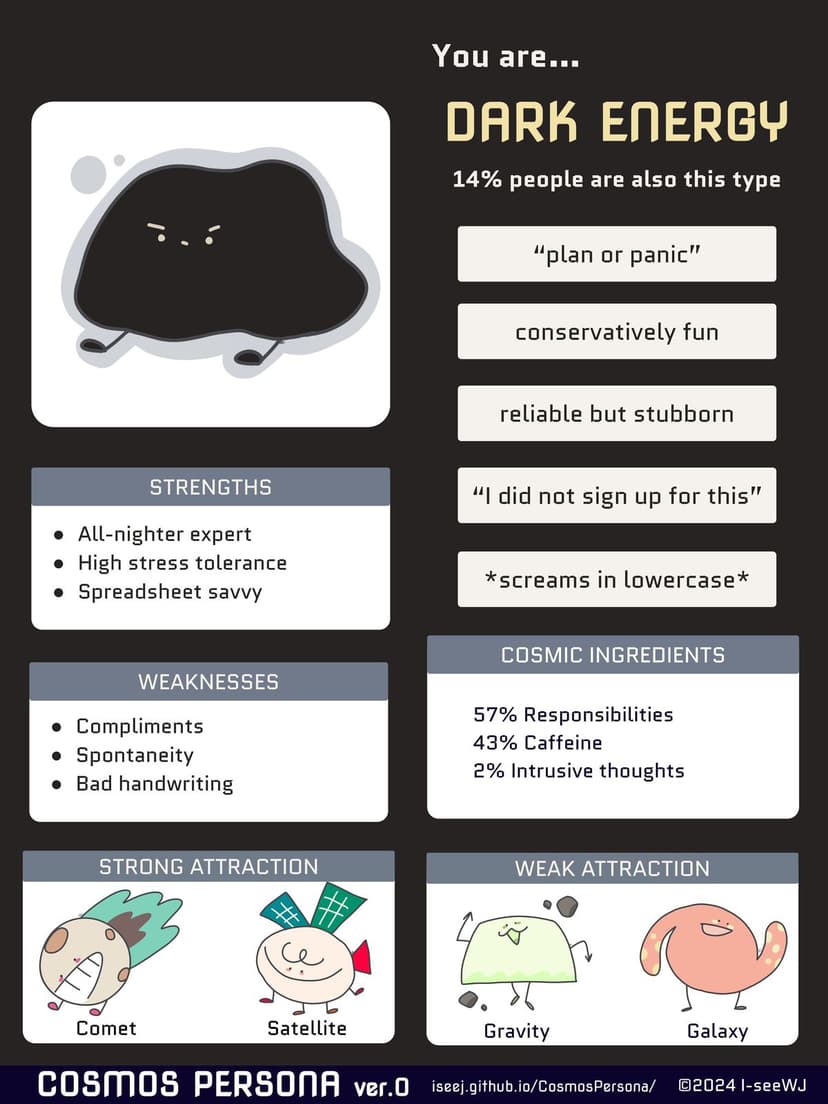
“Personality tests” offer a sense of belonging and comfort by normalizing behaviors through categorization.
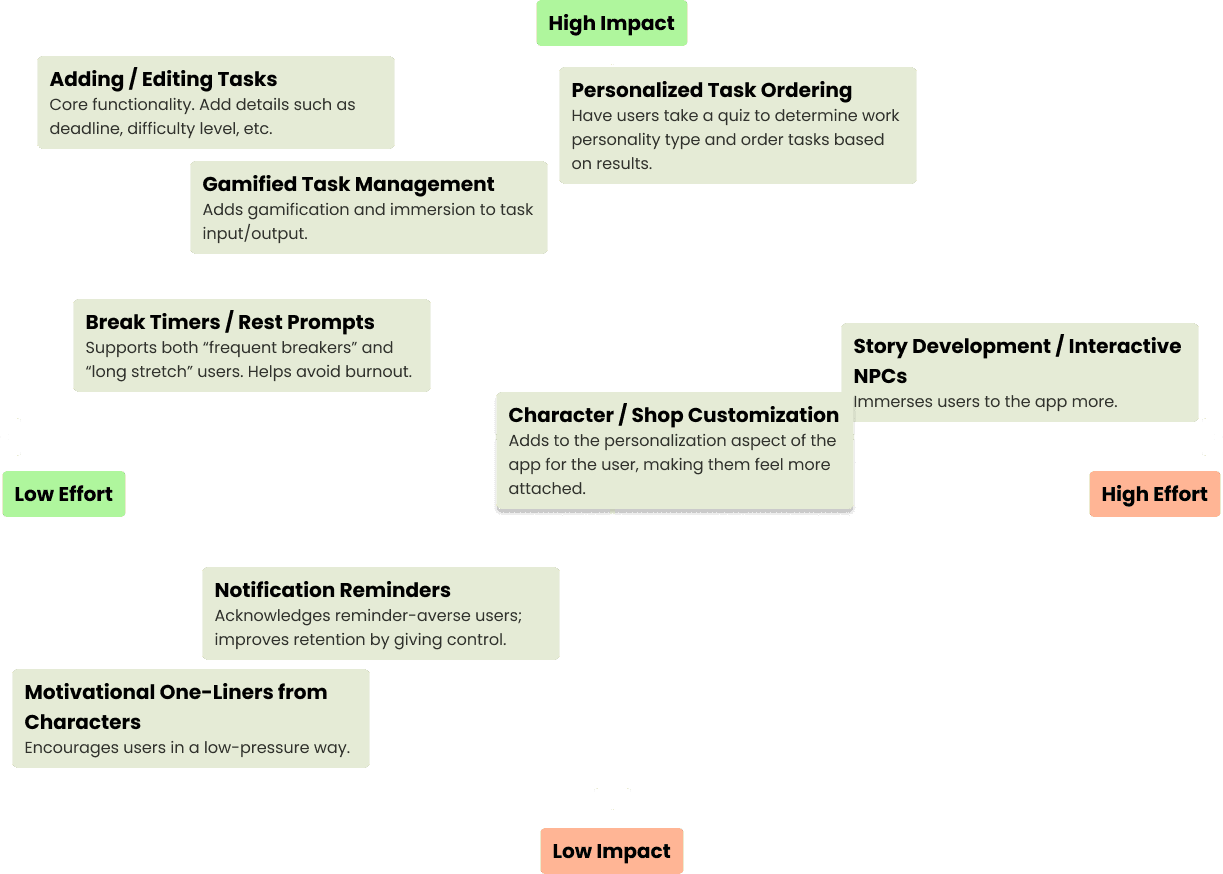
FEATURE PRIORITIZATION
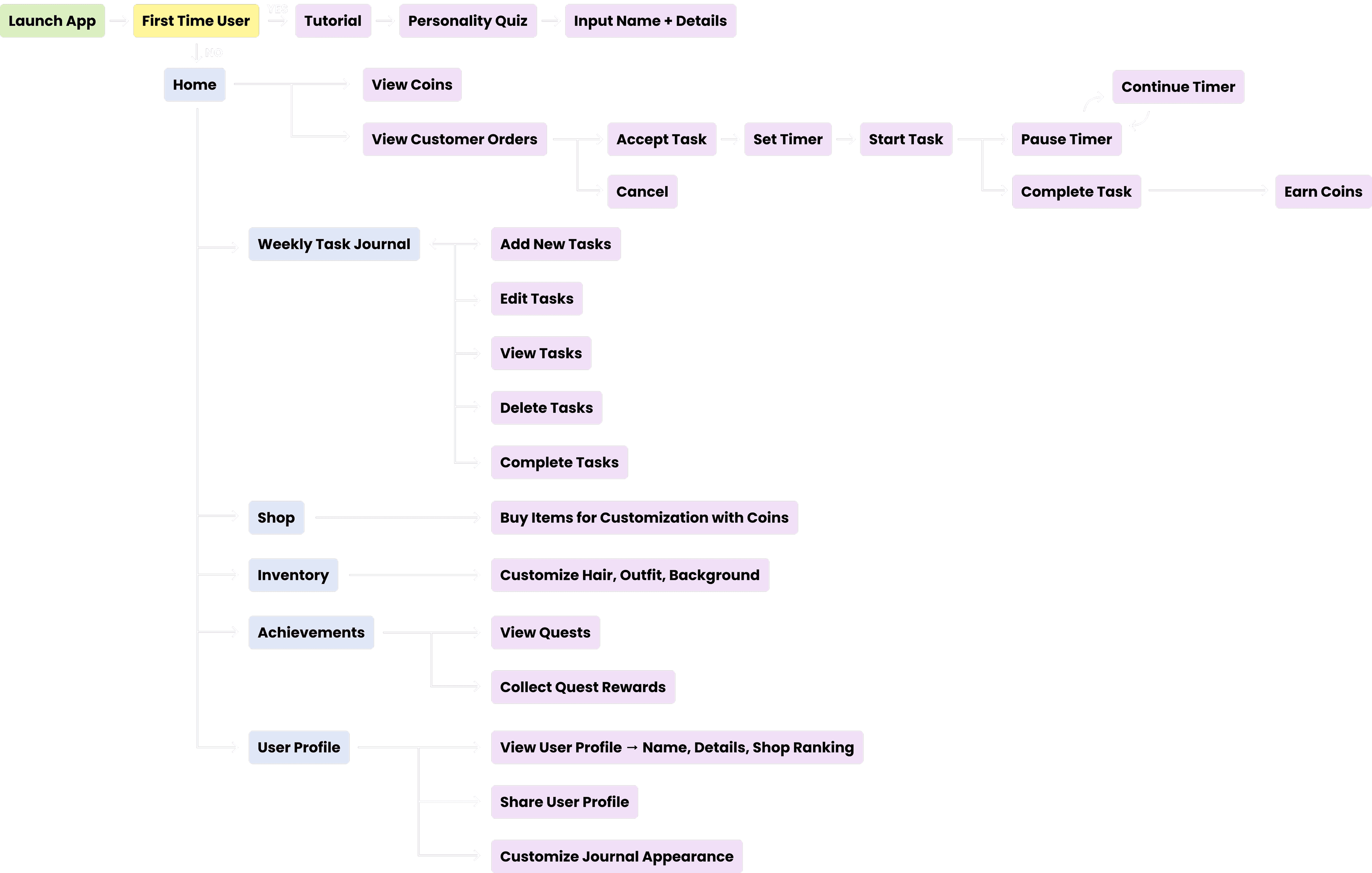
USER FLOW
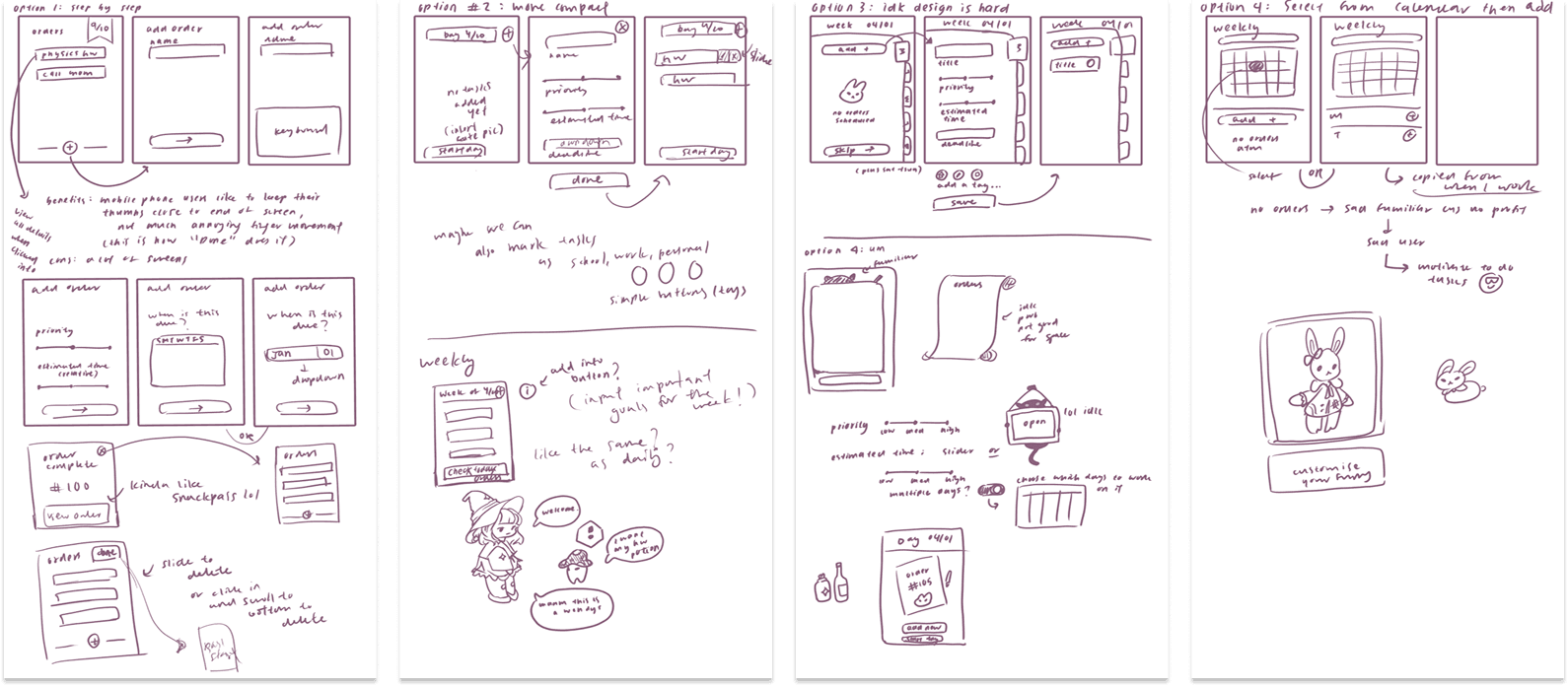
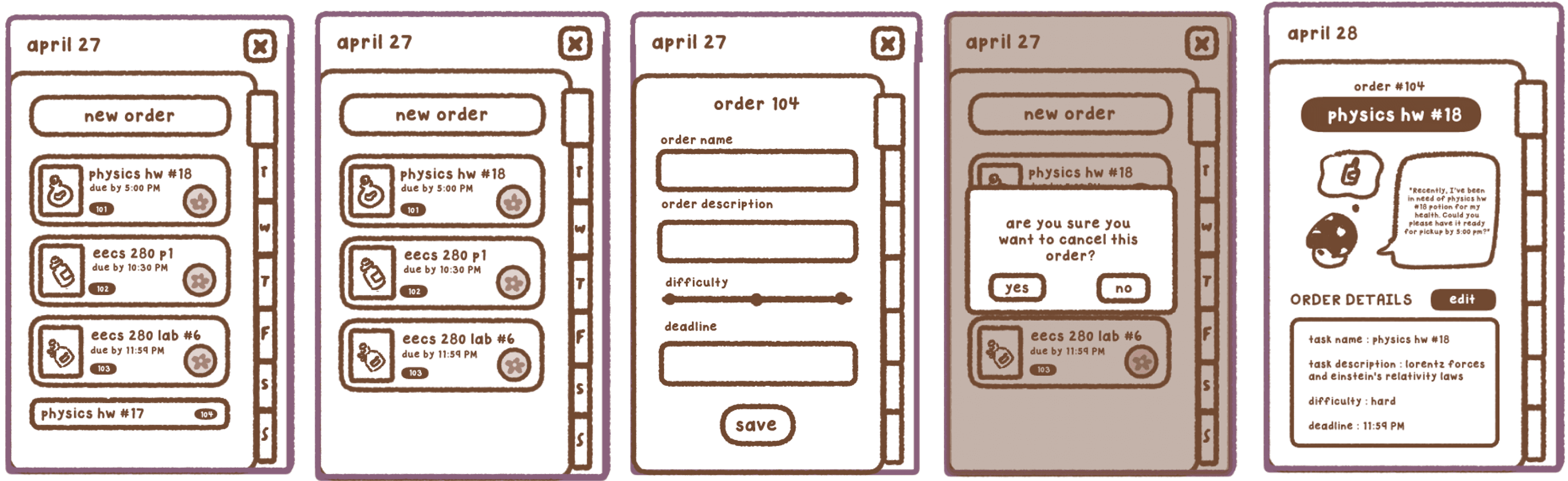
SKETCHES, WIREFRAME + LOFI MOCKUPS
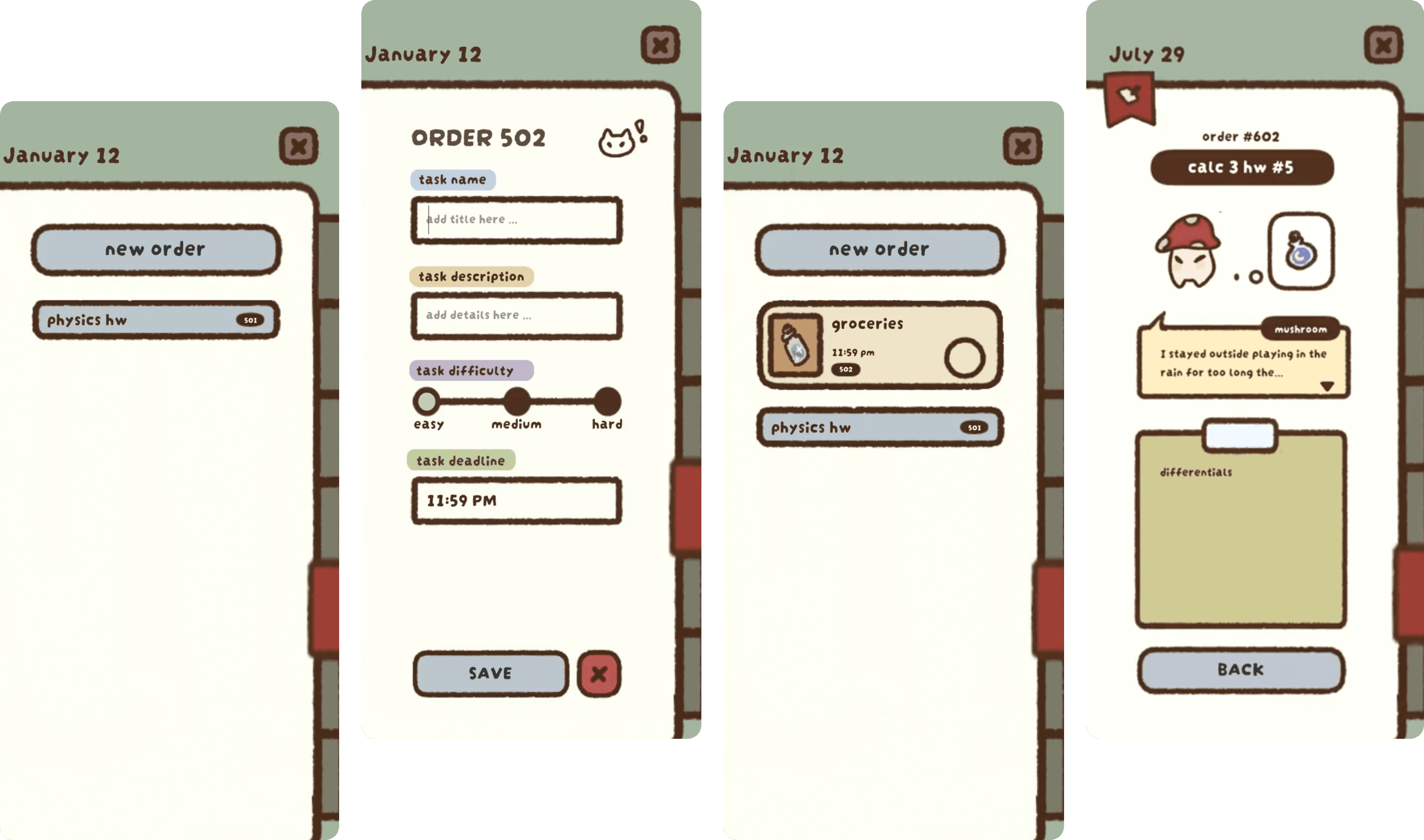
DESIGN ITERATIONS
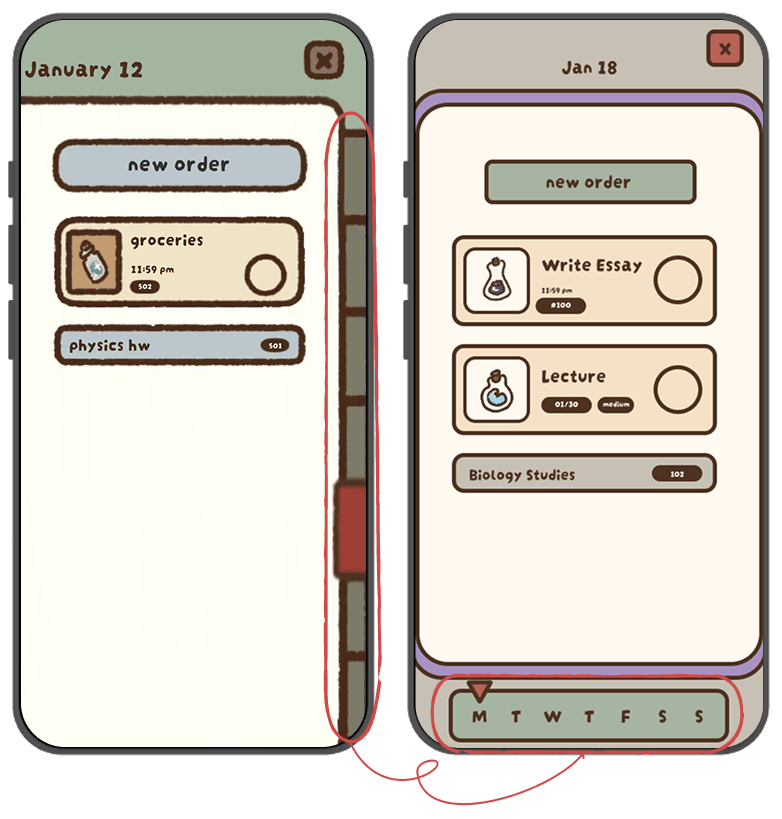
WEEKDAY NAVIGATION
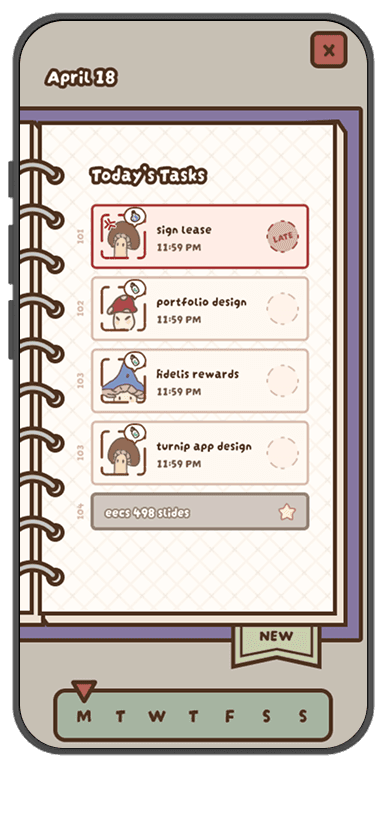
The journal navigation was changed from a thin side button navigation to more usable horizontal scroller on the bottom, due to the lack of button space and awkward hand movement as experienced in usability testing sessions.
FINAL PROTOTYPE
CREATING TASKS
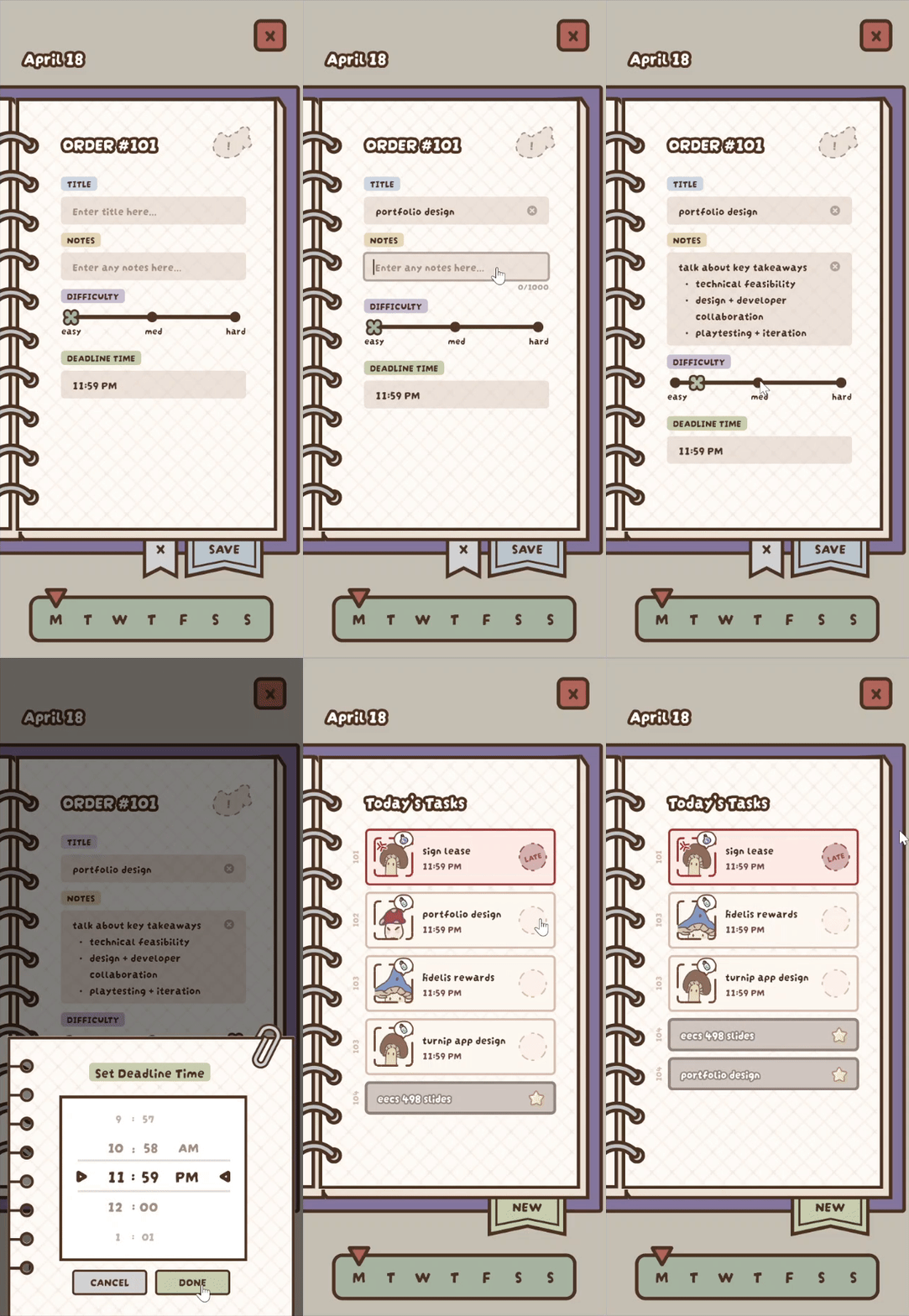
Users can quickly create tasks tailored to their work style. By setting difficulty, estimated duration, and priority, the app adapts its recommendations and gamified rewards, ensuring each task feels achievable and motivating.
TASK MANAGEMENT GAMIFICATION
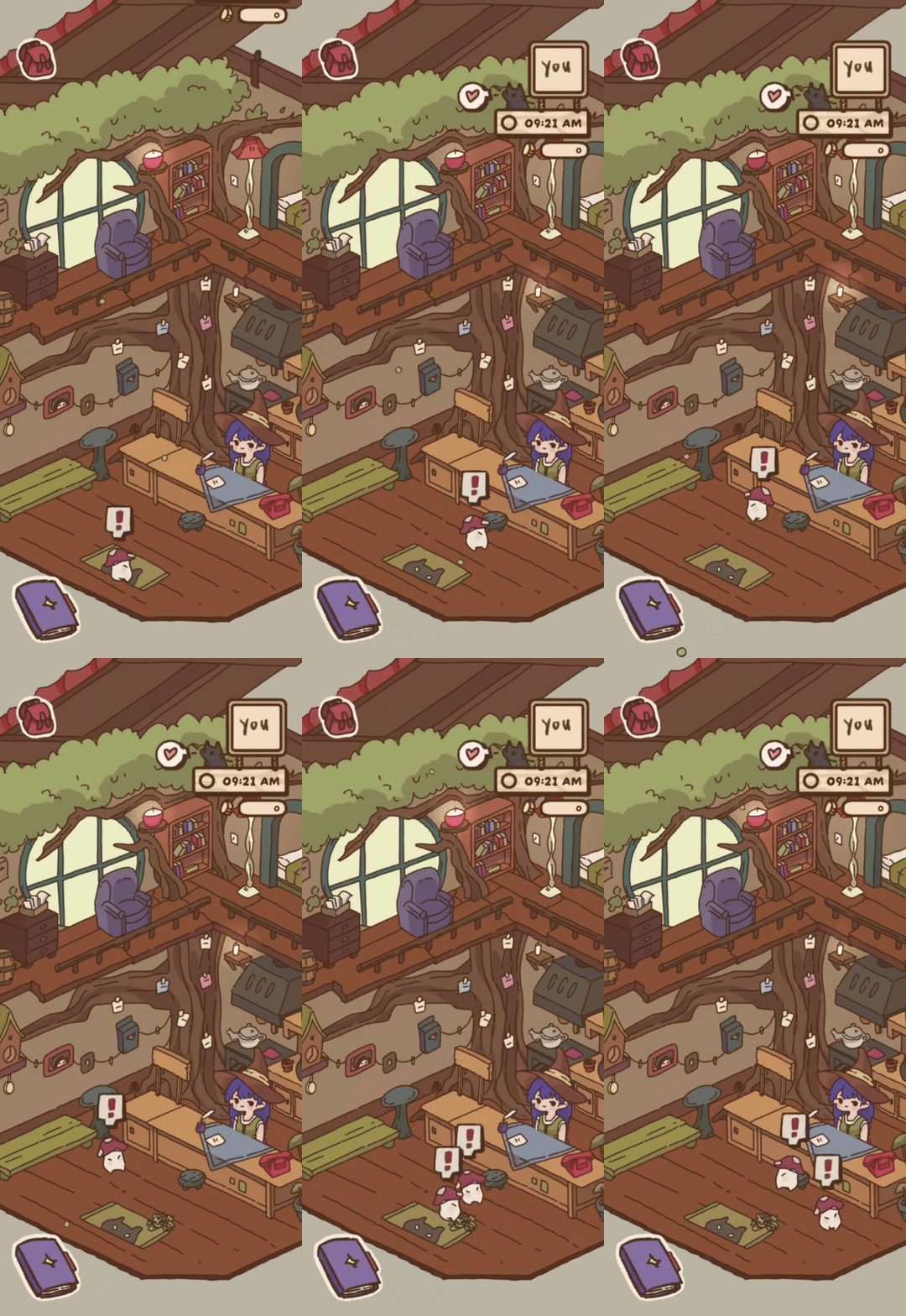
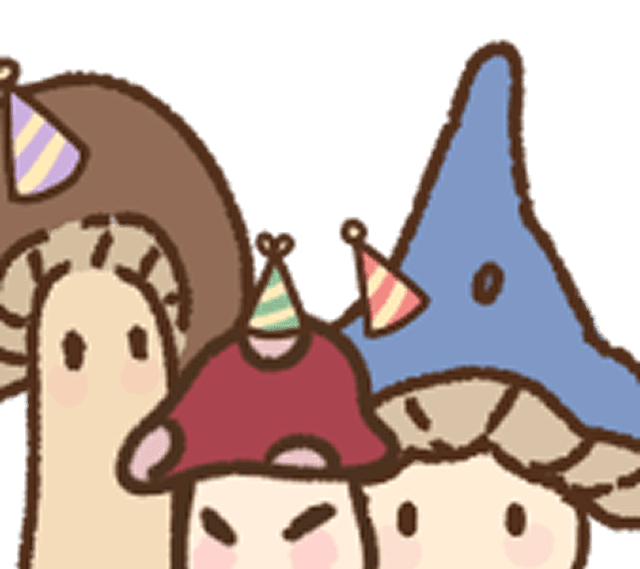
Mushroom customers waiting for orders turn completed tasks into story progress, making productivity feel playful and rewarding.
TASK WORKFLOW
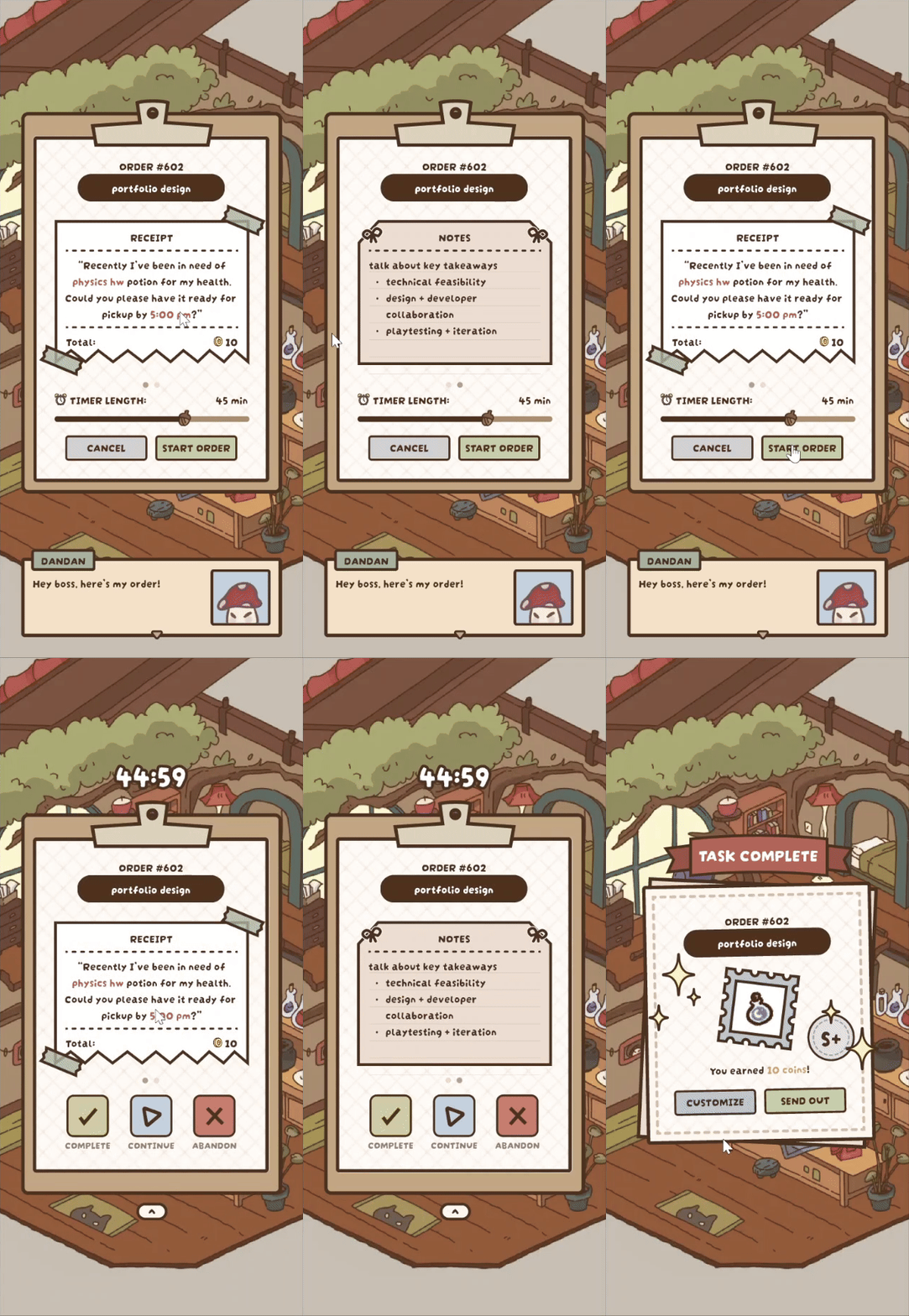
Users are guided into a focused work session through a playful, narrative-driven flow. The app sets up the task with engaging prompts, starts a timer to encourage sustained focus, and celebrates completion with a satisfying visual reward, making productivity feel interactive and enjoyable.
JOURNAL CUSTOMIZATION
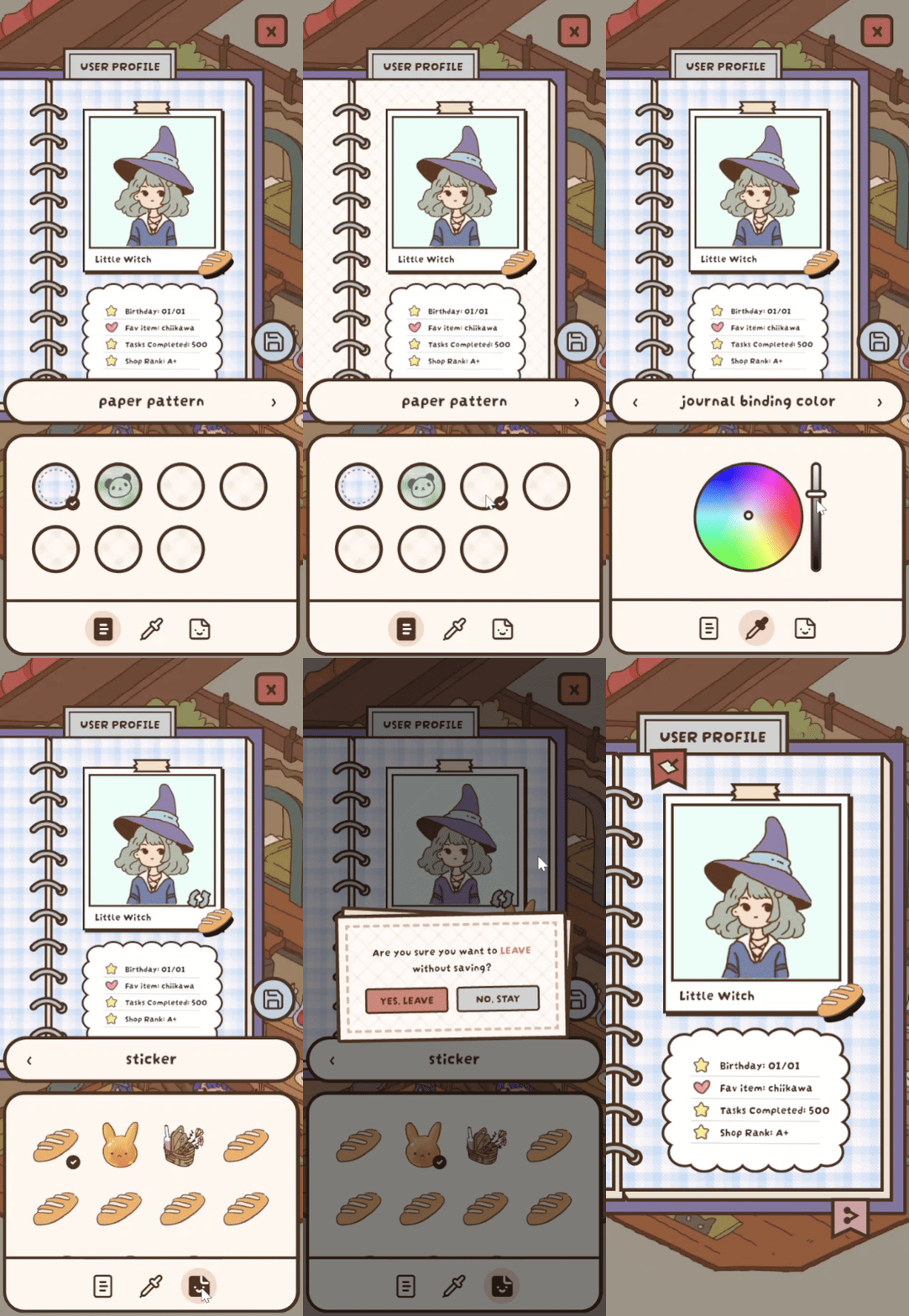
Users can personalize their journal to make reflection and task tracking more engaging.
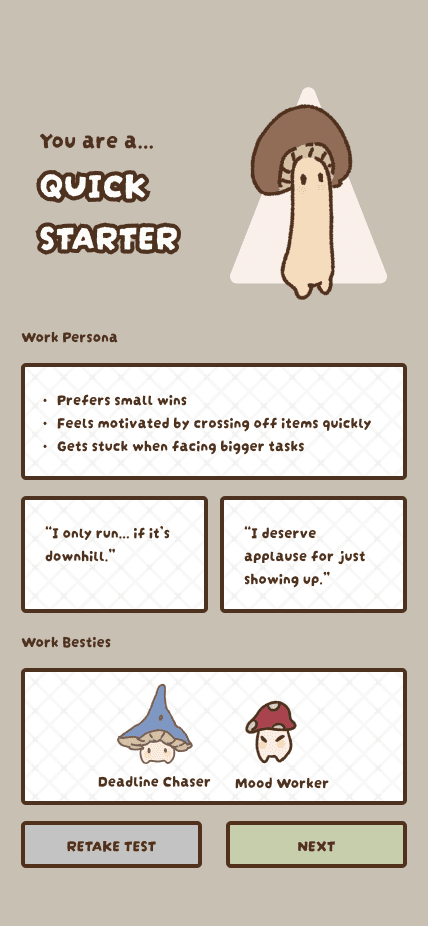
WORK PERSONALITY TEST
Users can take a short personality test to get a personalized recommendation for their work style. This affects how their task are prioritized, how they are rewarded, and how they break down their tasks.
STYLE GUIDE
01. home shop design
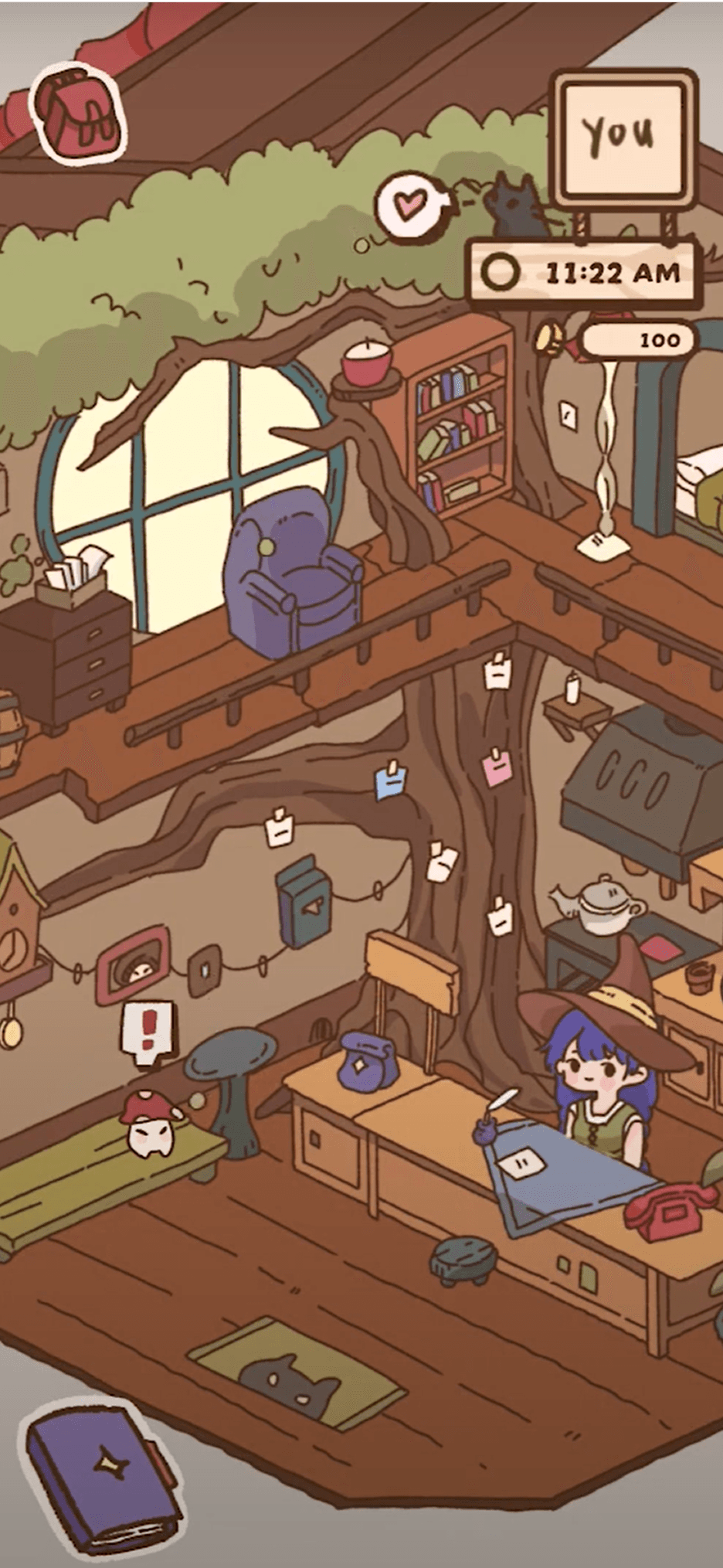
Following inspiration from cottage-core and the style of cozy/comfy games, we used a warm color palette and fuzzy outlines to give a welcoming feel.
02. character design
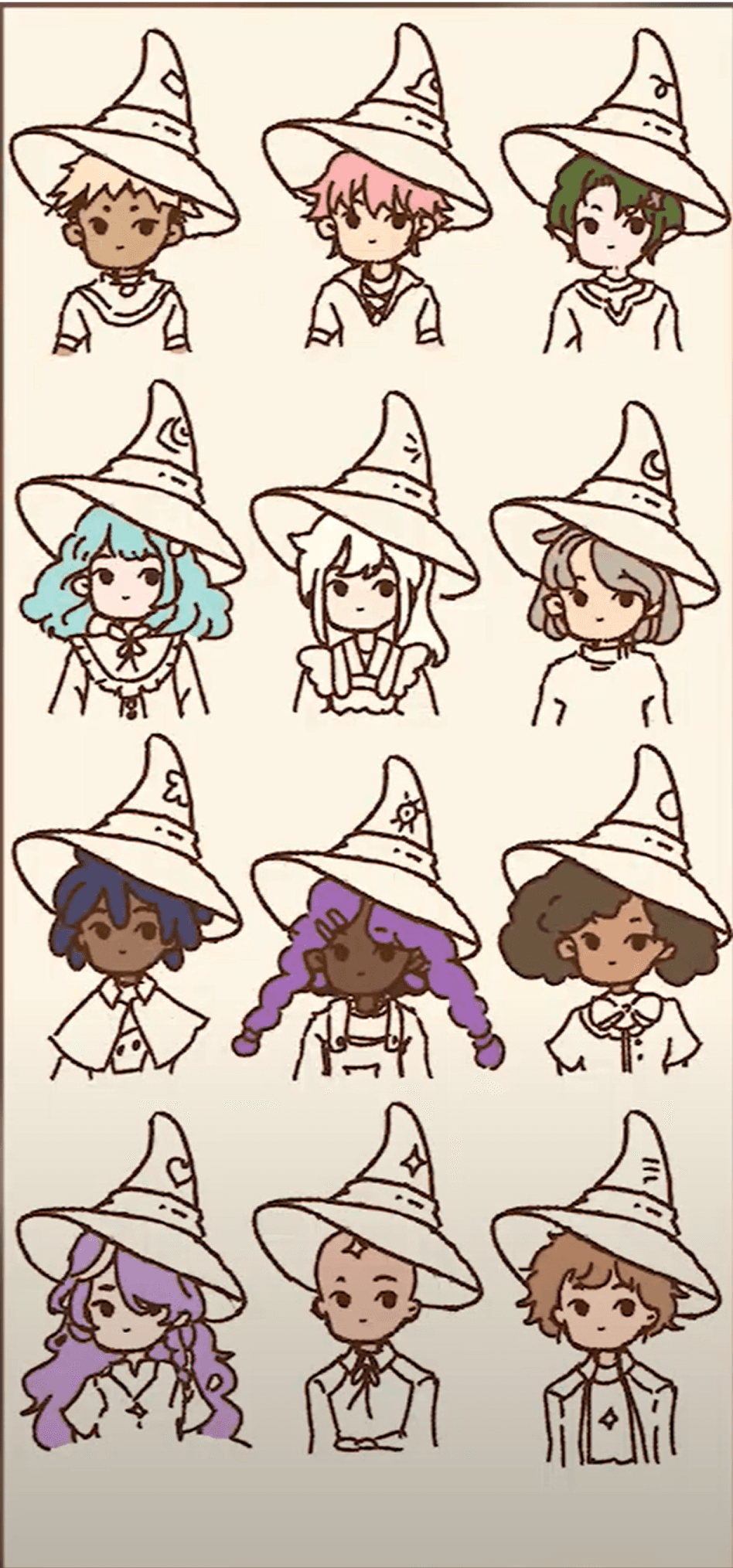
We wanted a diverse set of initial character customization assets in order to reach all of our target audience. We kept in mind different genders and ethnic backgrounds.
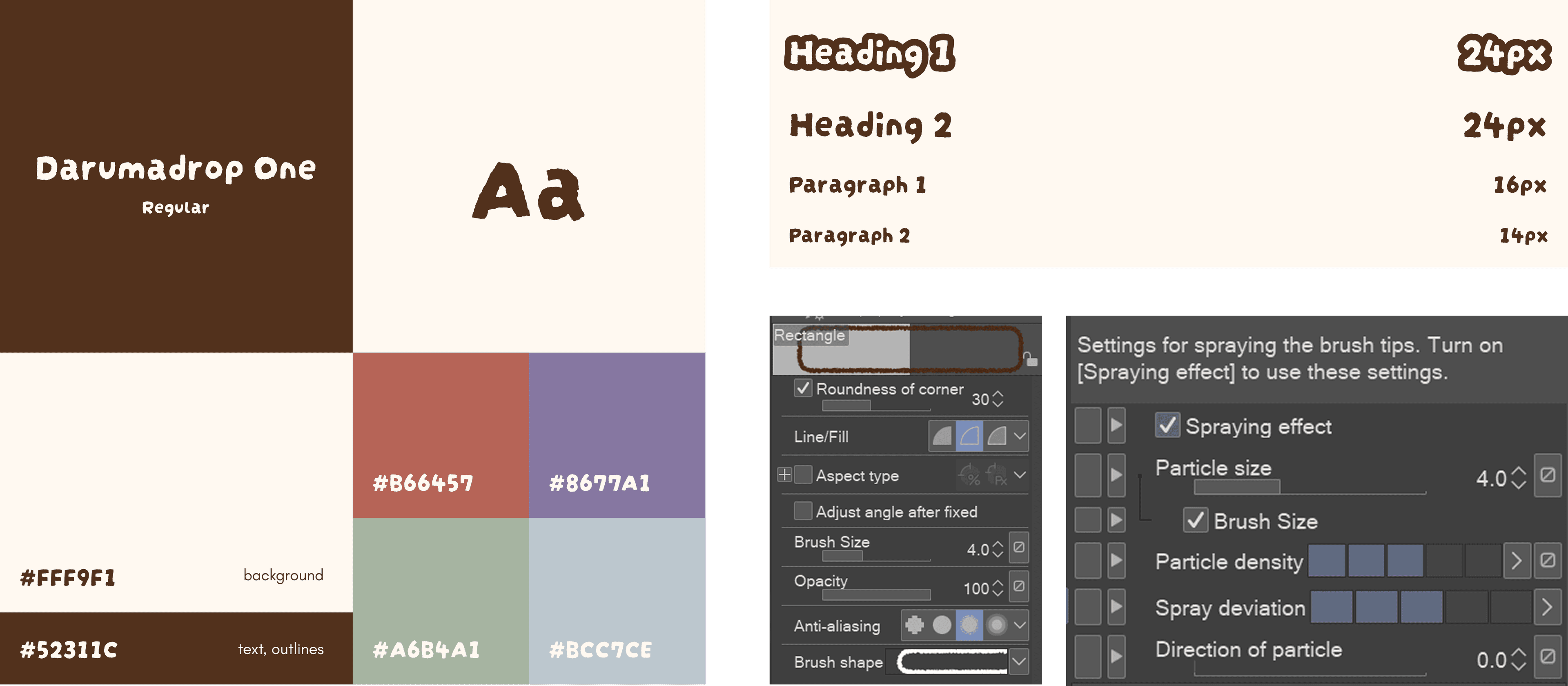
03. typography and color
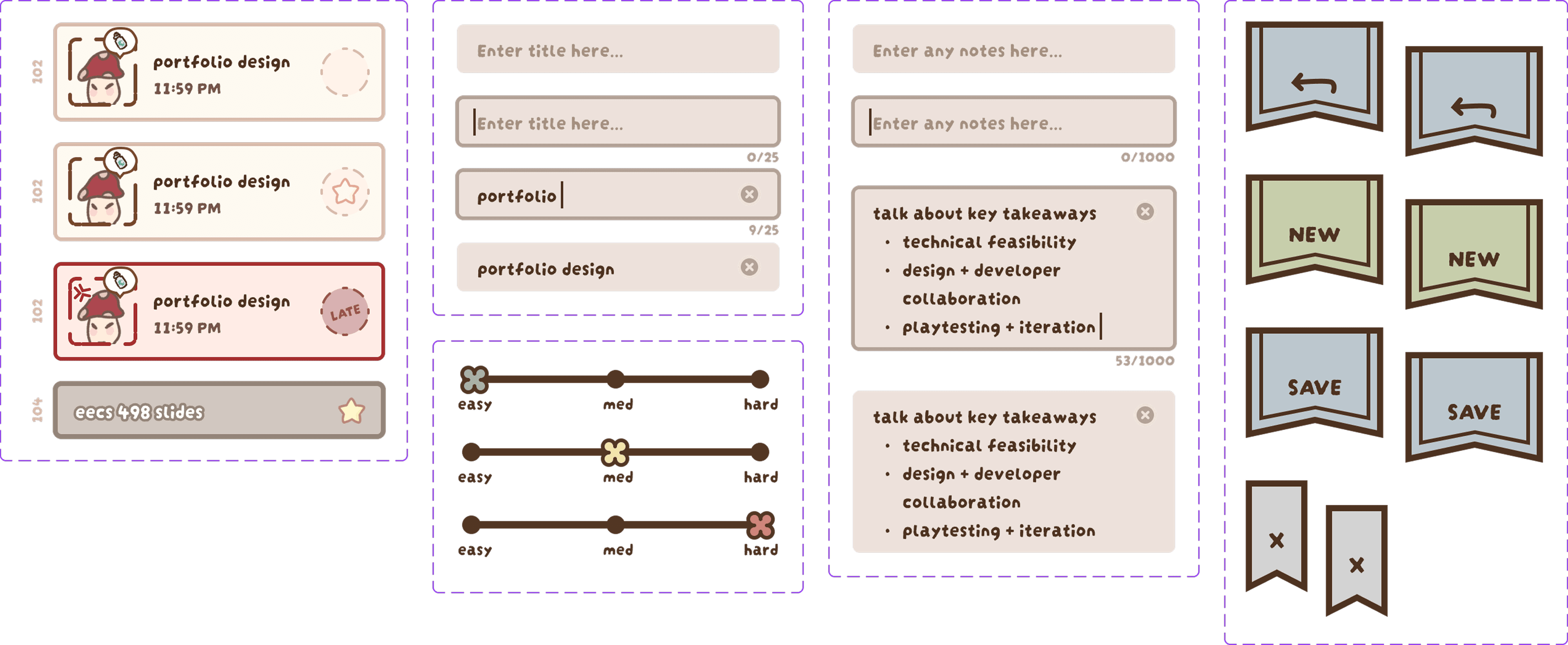
04. components
FUTURE STEPS
01. Usability testing
Conduct usability testing with students to validate the redesigned flows.
02. Iterate
Iterate further based on insights from usability testing.
03. Release beta
Implement the redesigned flows into the app and release a beta version for public testing to gather more insights.
LESSONS LEARNED
01. Quicker iteration
Prototyping in Unity slowed iteration; moving flows to Figma enabled faster testing and design refinement.
02. Goals & communication
We learned the importance of clear goals, standardized processes, and solid communication.
03. Feature creep
Feature creep was a major issue—we added features that didn't support core functionality.
IF YOU WANT MORE...
If you're interested in learning more about the project, please check out our devlog series! The devlogs show more of our development process in the initial stages.